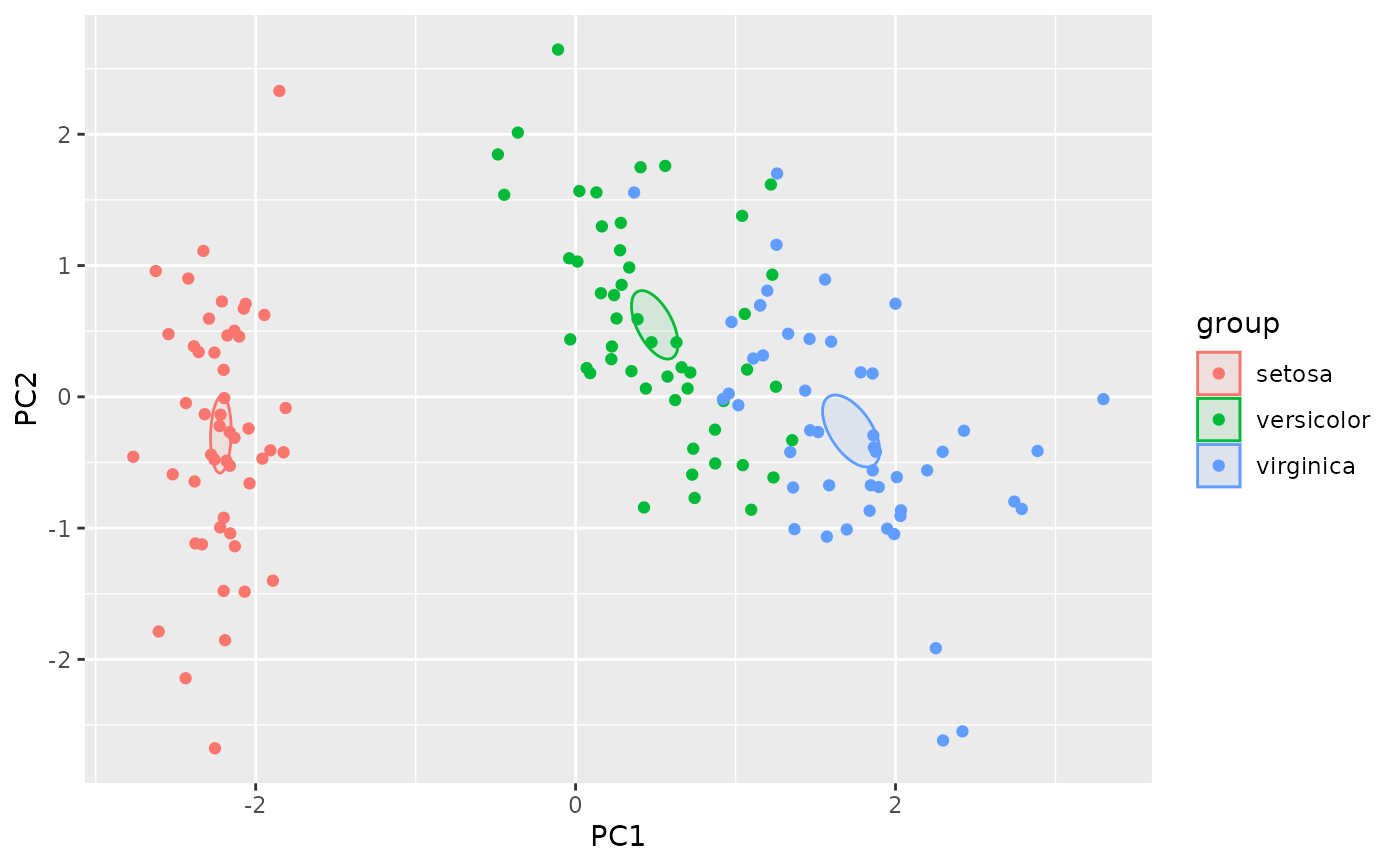
Automatic plotting of PCA objects
Arguments
- object
An object of prcomp class
- dims
Dimensions to plot
- biplot
whether to show the loadings as well as the scores
- group
Groups of the data to be shown on the plot
- ...
ignored
- labels
optionally, a vector of labels for showing the outliers. If NULL, the outliers will be identified by row number.
- type
The type of the coverage / confidence area shown by
autolayer.prcomp(), can be one of t2data (T2 Hotelling coverage), c2data (chi-squared coverage) or t2mean (T-squared based confidence area for the group mean).- outliers
if TRUE, label the outliers.
- level
Either coverage probability (for type = "t2data" and "c2data") or confidence level (for type = "t2mean").
Details
The functions autoplot.prcomp and autolayer.prcomp are for
automatic plotting of prcomp objects, similar to
ggfortify::autoplot.prcomp.
Note, however, that the group parameter is a vector of the same length
as the number of rows in the PCA object, rather than a column name in
the data frame.
Examples
pca <- prcomp(iris[,1:4], scale.=TRUE)
library(ggplot2)
autoplot(pca, group = iris$Species) +
autolayer(pca, group = iris$Species)
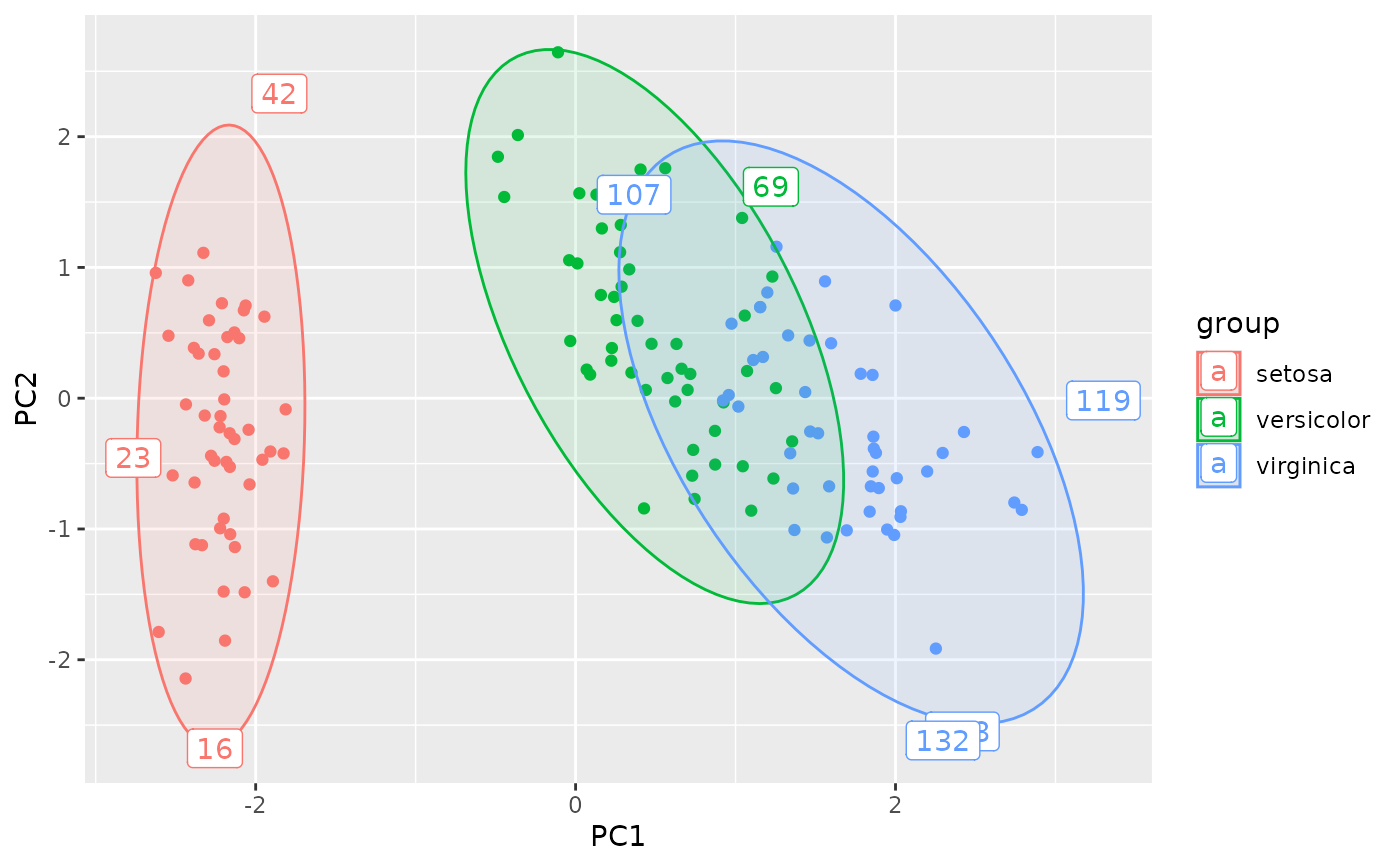 # show the 90% confidence area for the group means
autoplot(pca, group = iris$Species) +
autolayer(pca, group = iris$Species,
type="t2mean", level = 0.90,
outliers = FALSE)
# show the 90% confidence area for the group means
autoplot(pca, group = iris$Species) +
autolayer(pca, group = iris$Species,
type="t2mean", level = 0.90,
outliers = FALSE)